
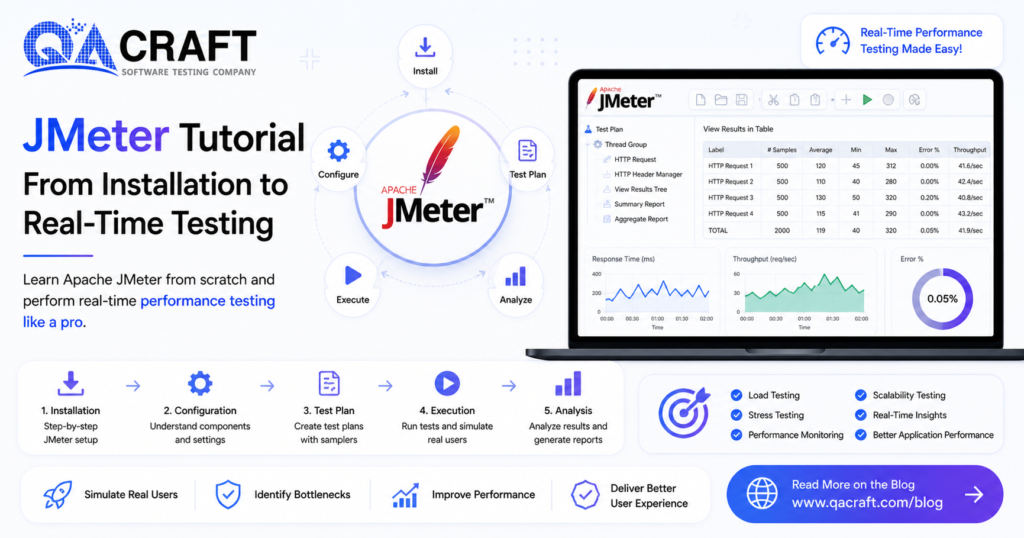
In today’s fast-paced digital era, speed and quality are everything. Users expect applications to be fast, responsive, and stable.
That’s where performance testing becomes critical. No matter how useful your application is, if it fails under load, users simply won’t use it.
👉 Learn why performance matters: https://qacraft.com/software-performance-testing/
Apache JMeter is one of the most widely used open-source tools for load and performance testing.
In this blog, you will learn:
- Installation of JMeter
- Understanding core components
- Creating your first test plan
- Executing real-time performance testing
What is Apache JMeter?
Apache JMeter is a Java-based open-source performance testing tool used for:
- Web applications
- APIs
- Databases
- FTP servers
👉 If you’re new to API validation, read: https://qacraft.com/what-is-api-testing/
Key Features of JMeter
- Simulates multiple users simultaneously for load testing
- Generates detailed performance reports
- Supports HTTP, HTTPS, JDBC, FTP requests
- GUI and CLI execution
- Extensible via plugins
👉 Compare tools: https://qacraft.com/k6-vs-other-performance-testing-tools/
Prerequisites
Before installing JMeter, ensure:
- JDK 8 or above installed
- Minimum 4GB RAM
- Basic understanding of HTTP/API
Check Java installation:
java -versionA. Installation of JMeter
👉 Full guide: https://qacraft.com/what-is-jmeter/
Step 1: Download JMeter
- Visit the Apache JMeter official website
- Download the latest ZIP version
Step 2: Extract Files
- Extract to your desired location
Step 3: Launch JMeter
- Go to the bin folder
Run:
- Windows →
jmeter.bat - Mac/Linux →
./jmeter.sh
B. Understanding JMeter UI
Core Components
- Test Plan → Root of the test
- Thread Group → Simulates users
- Samplers → Sends requests
- Listeners → Shows results
- Assertions → Validates responses
- Config Elements → Stores configuration
Thread Group Example
| Parameter | Value | Description |
|---|---|---|
| Users | 100 | Total virtual users |
| Ramp-up | 60 sec | Time to start users |
| Loop Count | 10 | Iterations per user |
Formula:
Users/sec = Threads ÷ Ramp-up
= 100 ÷ 60 = 1.66 users/sec
Samplers (Common Types)
- HTTP Request → Web/API testing
- JDBC Request → Database testing
- FTP Request → File testing
- JSR223 → Custom scripting
Listeners for Analysis
- View Results Tree → Debug requests
- Summary Report → Throughput, Avg time
- Aggregate Report → Percentiles (90/95/99)
- Graph Results → Visualization
C. Create Your First Test Plan
Step 1: Launch JMeter
Run jmeter.bat or jmeter.sh
Step 2: Rename Test Plan
Example: Demo Test Plan
Step 3: Add Thread Group
- Users: 10
- Ramp-up: 5 sec
- Loop Count: 1
👉 Want structured scenarios?
https://qacraft.com/test-scenario-definition-importance-and-example/
Step 4: Add HTTP Request
- Protocol → HTTPS
- Server → example.com
- Method → GET
Step 5: Add Listener
Add View Results Tree
Step 6: Save Test Plan
Example: first_test_plan.jmx
Step 7: Run Test
Click ▶️ Start
Step 8: Analyze Results
- ✅ Green → Success
- ❌ Red → Failure
Check:
- Response time
- Status code (200 OK)
- Response data
D. Real-Time Performance Testing
After creating a test plan, the next step is testing in real-world conditions.
This helps you:
- Identify bottlenecks
- Validate system behavior under load
- Ensure scalability
👉 Real-world use case:
https://qacraft.com/real-time-test-scenarios-for-banking-application/
Best Practices for JMeter Testing
1. Test with Realistic Load
Simulate real users, not just small samples
2. Validate Data Accuracy
👉 https://qacraft.com/essential-data-quality-checks/
3. Include Edge Cases
👉 https://qacraft.com/edge-cases-in-software-testing
4. Combine with Security Testing
👉 https://qacraft.com/security-testing-terminologies-and-concepts/
5. Use Automation Strategy
👉 https://qacraft.com/why-agile-teams-need-a-strong-automation-strategy/
JMeter vs Modern Tools
While JMeter is powerful, modern tools like k6 are gaining popularity.
👉 Compare with k6:
https://qacraft.com/what-is-k6/
👉 Practical guide:
https://qacraft.com/how-to-test-login-api-performance-using-k6-step-by-step-guide/
Conclusion
Apache JMeter remains a powerful tool for performance testing. From installation to real-time execution, it helps teams ensure their applications perform reliably under load.
By combining:
- Performance testing
- API testing
- Security validation
- Real-world scenarios
You can deliver scalable and stable applications.

